




































# How to Set Up RGB Lighting for Your Gaming Room (Step-by-Step)
A good gaming setup isn't just about the PC and monitor anymore — lighting is what makes the room feel finished, reduces eye strain during long sessions, and is a big part of what makes a setup look good on camera if you stream. The difference between a gaming room that looks pro and one that looks like RGB thrown at the wall usually comes down to layout and layering, not the number of lights. This guide walks through planning your setup properly, step by step.
## Plan Your Layout: Think in Layers, Not Spots
The most common mistake is treating RGB lighting as decoration to scatter around rather than a system with a purpose. A well-planned setup usually works in three layers:
- **Base layer — desk backlighting.** LED strips placed behind the desk or monitor create a soft glow that reflects onto the wall behind the screen. This is usually the starting point of any RGB gaming setup, and it does double duty: it looks good and it reduces eye strain by softening the contrast between a bright screen and a dark room.
- **Focus layer — monitor and under-desk lighting.** Lighting placed close to where you're actually looking (behind the monitor, under the desk edge) improves visibility and comfort during play, not just aesthetics.
- **Ambient layer — wall and room lighting.** Strips or panels extending onto the walls or room perimeter fill out the space so the desk area doesn't look like the only lit spot in a dark room.
The strongest setups combine front-facing task lighting (so you can actually see your desk) with back-facing ambient lighting (so the room and any camera view behind you looks complete) — rather than relying on one bright light source for everything.
## Choosing the Right Strip
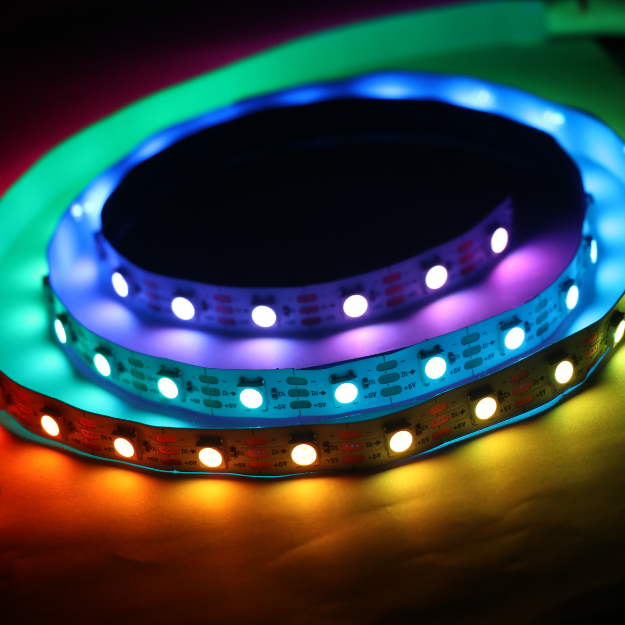
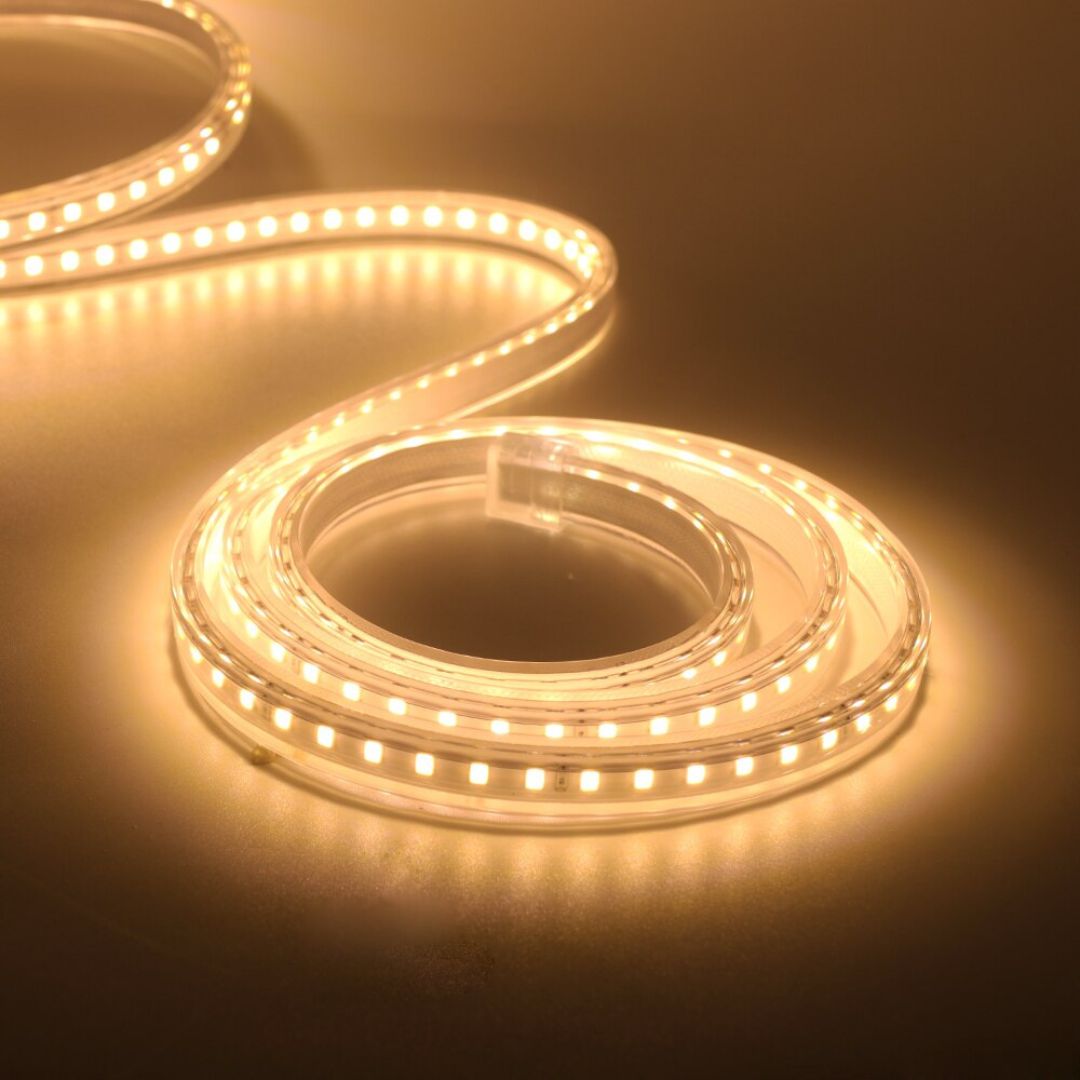
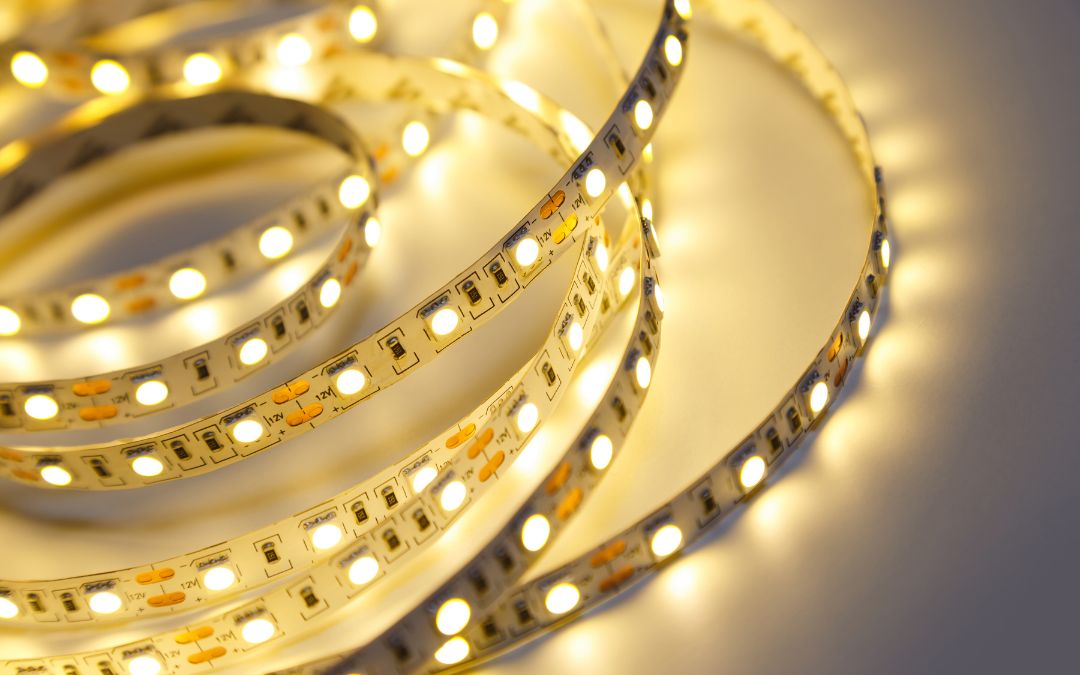
**RGB vs RGBIC:** standard RGB strips display one color across the whole strip at a time. RGBIC strips can show multiple colors and effects simultaneously along the same run — for a gaming setup specifically, RGBIC is generally the better choice since it supports the color-chasing and reactive effects that make gaming lighting feel dynamic rather than static.
**Brightness for screen contrast:** the backlight behind your monitor doesn't need to be blindingly bright — its job is to soften contrast between the screen and the wall, not compete with the screen for attention. A dimmable strip set to a moderate brightness usually looks better on camera and is easier on the eyes over a long session than one set to maximum.
## Setup Steps
### 1. Mounting
Clean the mounting surface (dust and grease affect adhesive strips) and plan your run before sticking anything down — measure the back of the desk, monitor arm, or wall run and add a little slack for corners.
### 2. Power routing
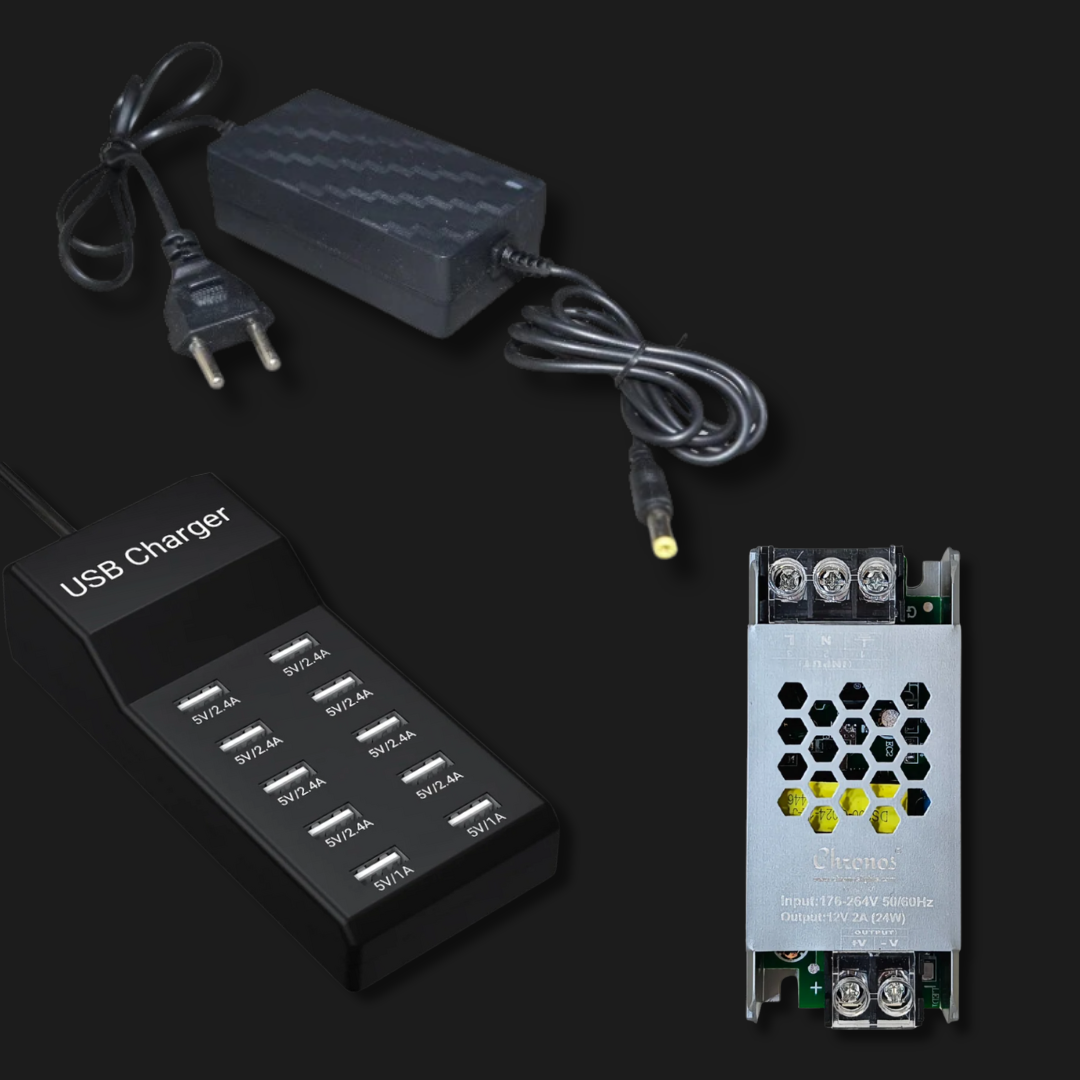
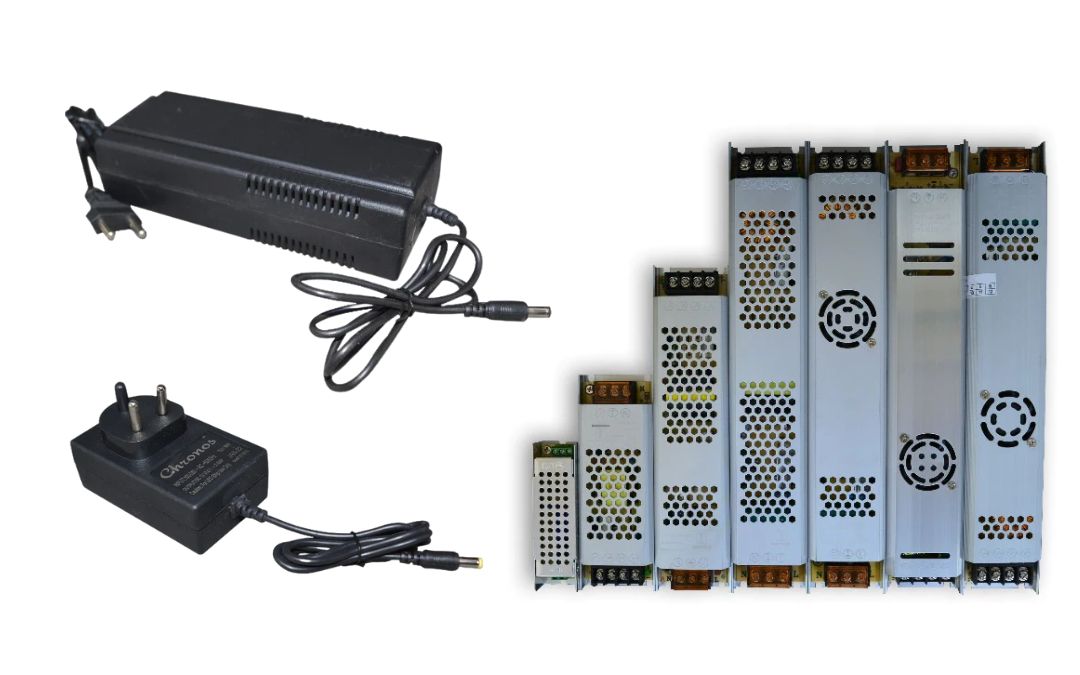
Route the power cable and controller so cabling doesn't cross your desk or sit in view of a webcam/stream camera. Cable management at this stage saves a re-do later.
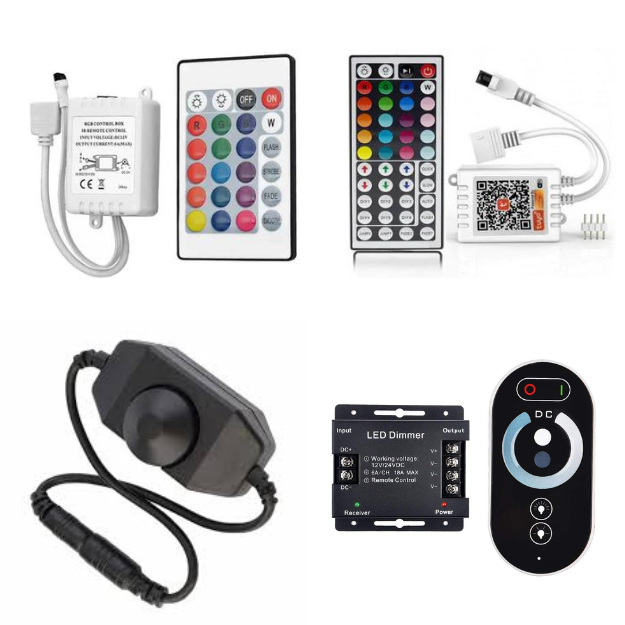
### 3. App/controller pairing
Most RGBIC strips pair via Bluetooth or Wi-Fi through a companion app — this is where you'll create and save your scene presets (see below). If you want your desk lighting to sync directly with in-game events or PC temperature rather than just standalone effects, dedicated tools like SignalRGB or OpenRGB, or a direct connection to your motherboard's ARGB header, can drive that — though this is a more advanced setup than most people need for ambient gaming-room lighting.
### 4. Creating scene presets
Once paired, save 2–3 go-to scenes rather than manually adjusting every session — for example, a calm single-color scene for focused/competitive play, a warmer tone for casual sessions, and a dynamic multi-color scene for streaming or downtime.
## Sync With Music or Sound
If you want your lighting to react to music or in-game audio rather than stay static, see our [guide to syncing RGB lights with music](/blogs/news/how-to-sync-rgb-led-lights-with-music-for-an-immersive-experience) for setup details — the same sync principles apply whether the source is a playlist or your game's audio.
## Three Budget Tiers
**Starter setup**
A single RGBIC strip behind the monitor or along the back edge of the desk, remote or app-controlled. Covers the base layer only, but makes the single biggest visible difference of any addition to a plain setup.
**Mid setup**
Desk backlight plus under-desk strip lighting, both on the same app with synced scene presets. Adds the focus layer, so the desk itself looks intentional rather than just the wall behind it.
**Full immersive room**
Desk backlight, under-desk lighting, and wall/room-perimeter strips or panels, ideally on one control ecosystem so scenes change across the whole room at once rather than one zone at a time. This is the setup most suited to streaming, where the camera sees more of the room than just the desk.
## FAQ
**Do I need RGBIC, or is standard RGB enough for a gaming room?**
Standard RGB works fine for simple single-color ambient lighting. RGBIC is worth the difference if you want multi-color effects, gradients, or reactive lighting — most gaming-focused setups lean RGBIC for this reason.
**Where should I place my first RGB strip if I can only add one?**
Behind the monitor or along the back edge of the desk — this is the base layer that has the biggest visible impact for the least effort, since it directly softens screen contrast and fills the space directly behind your main focus point.
**Can RGB lighting actually reduce eye strain?**
Yes — bias lighting behind a monitor is a well-established way to reduce the contrast between a bright screen and a dark surrounding room, which is one of the main contributors to eye fatigue during long sessions.
**How do I sync my desk lighting with my PC or games?**
This requires either software like SignalRGB/OpenRGB or a direct connection to your motherboard's ARGB header, rather than just the strip's own app. This is a more advanced step than standalone app-controlled lighting, and isn't necessary unless you specifically want lighting that reacts to in-game events or system temperature.
---
Ready to build your setup? Browse our [gaming room RGB collection](/collections/gaming-room-setup-rgb) and check the [music-sync guide](/blogs/news/how-to-sync-rgb-led-lights-with-music-for-an-immersive-experience) for reactive lighting setup.