



















Diwali Instagram: How to Make Your Lights Look Amazing in Photos
Reading time: 6 min | Updated: October 2026
The Diwali Photo Challenge
You spend ₹2,000 on lighting.
You take the photo → Looks flat and boring
Friends' photos → Lighting looks magical
What's the difference?
Camera Settings That Matter
For Smartphone
Golden Hour is Your Friend
- Shoot 30-45 minutes after sunset
- Phone's camera sensor captures warm lights perfectly
- Don't shoot in bright day (lights invisible)
White Balance
- Turn OFF "auto white balance"
- Set to "Warm" or "Incandescent"
- Warm white lights stay warm (not orange-shifted)
Brightness
- Expose for the lights, not the dark areas
- Tap on lights → They'll stay bright and detailed
Composition That Pops
Rule of Thirds
- Place lights on intersection points
- Don't center the shot (basic but wrong)
Depth
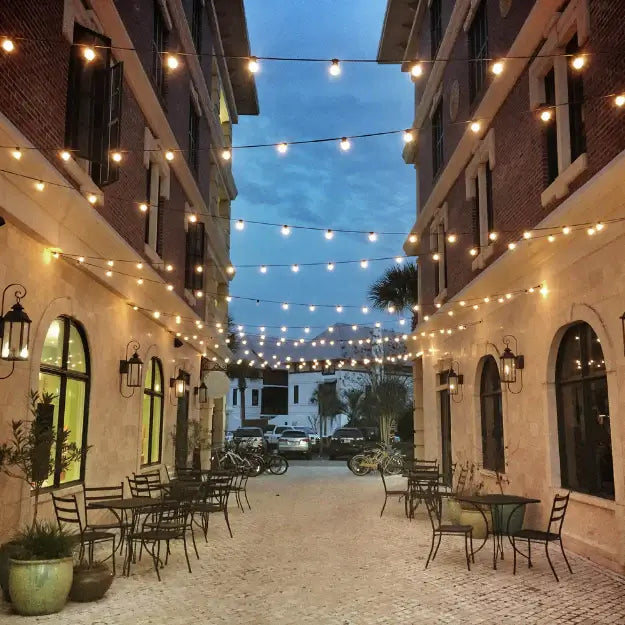
- Lights in foreground + background
- Creates 3D appearance in 2D photo
Framing
- Use doorway/window frame as frame-within-frame
- Makes photo feel more intentional
Diwali Photo Hacks
Hack #1: Bokeh Magic
- Phone camera at night
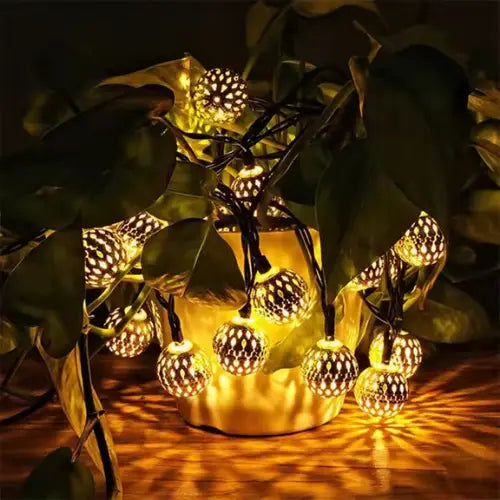
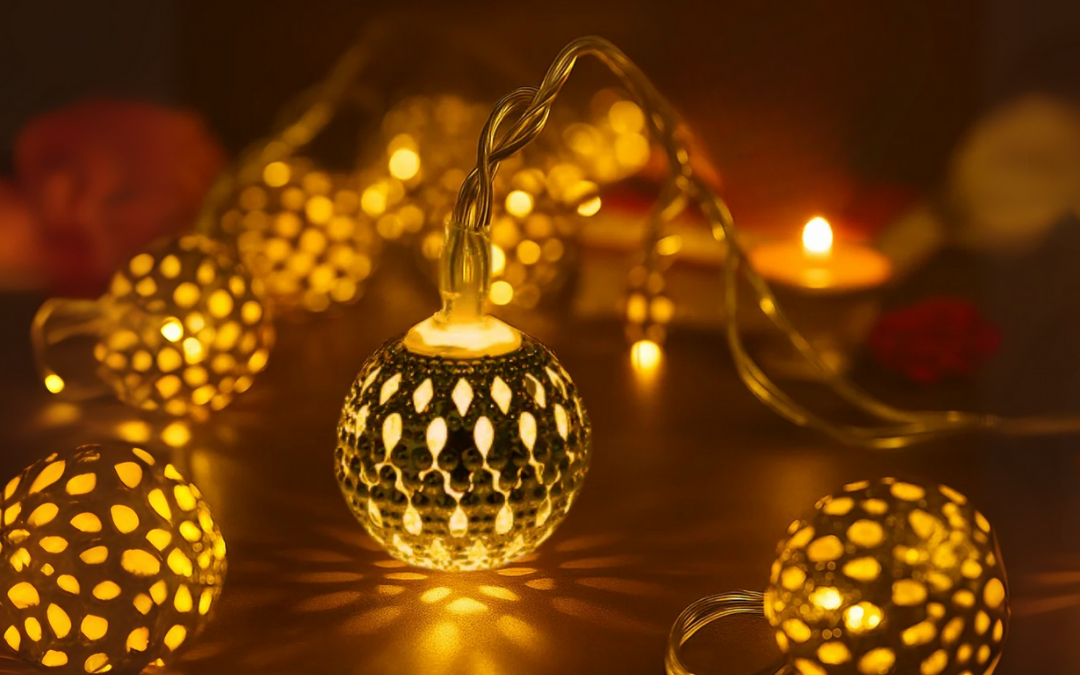
- Lights in background out of focus = bokeh circles
- Golden bokeh = dreamy Diwali vibe
Hack #2: Silhouettes
- Stand in front of lights at sunset
- Backlit = silhouette with glowing background
- Instantly cinematic
Hack #3: Motion Blur
- Phone on slow shutter mode (night mode)
- Move your phone slightly while capturing
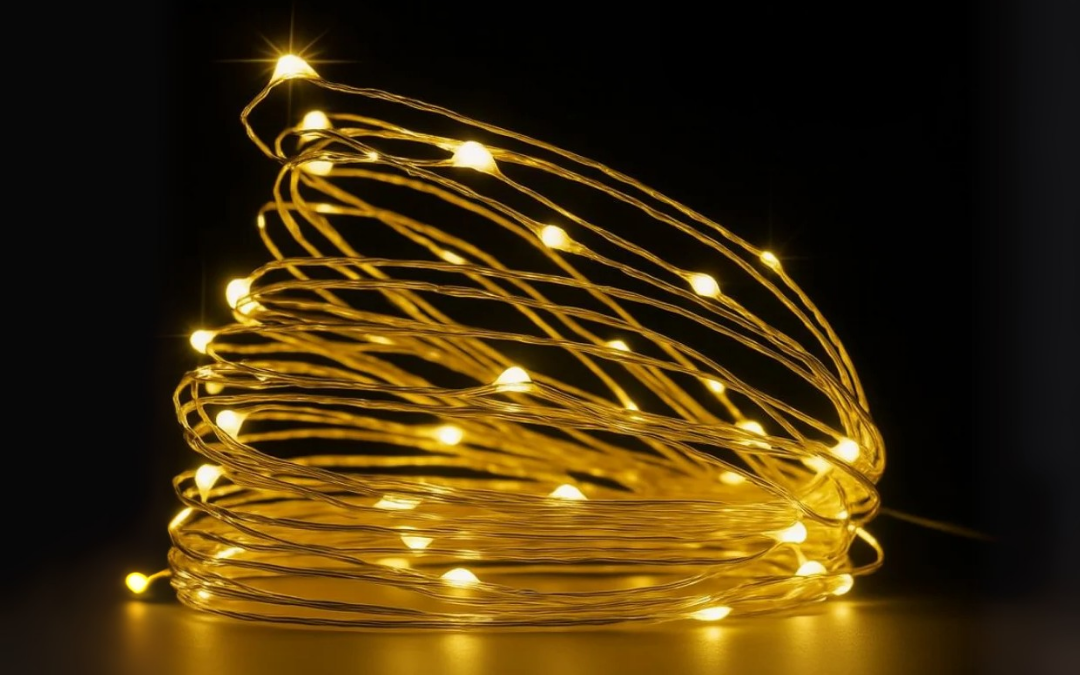
- Lights create streaks = artistic effect
Best Lighting Products for Photos
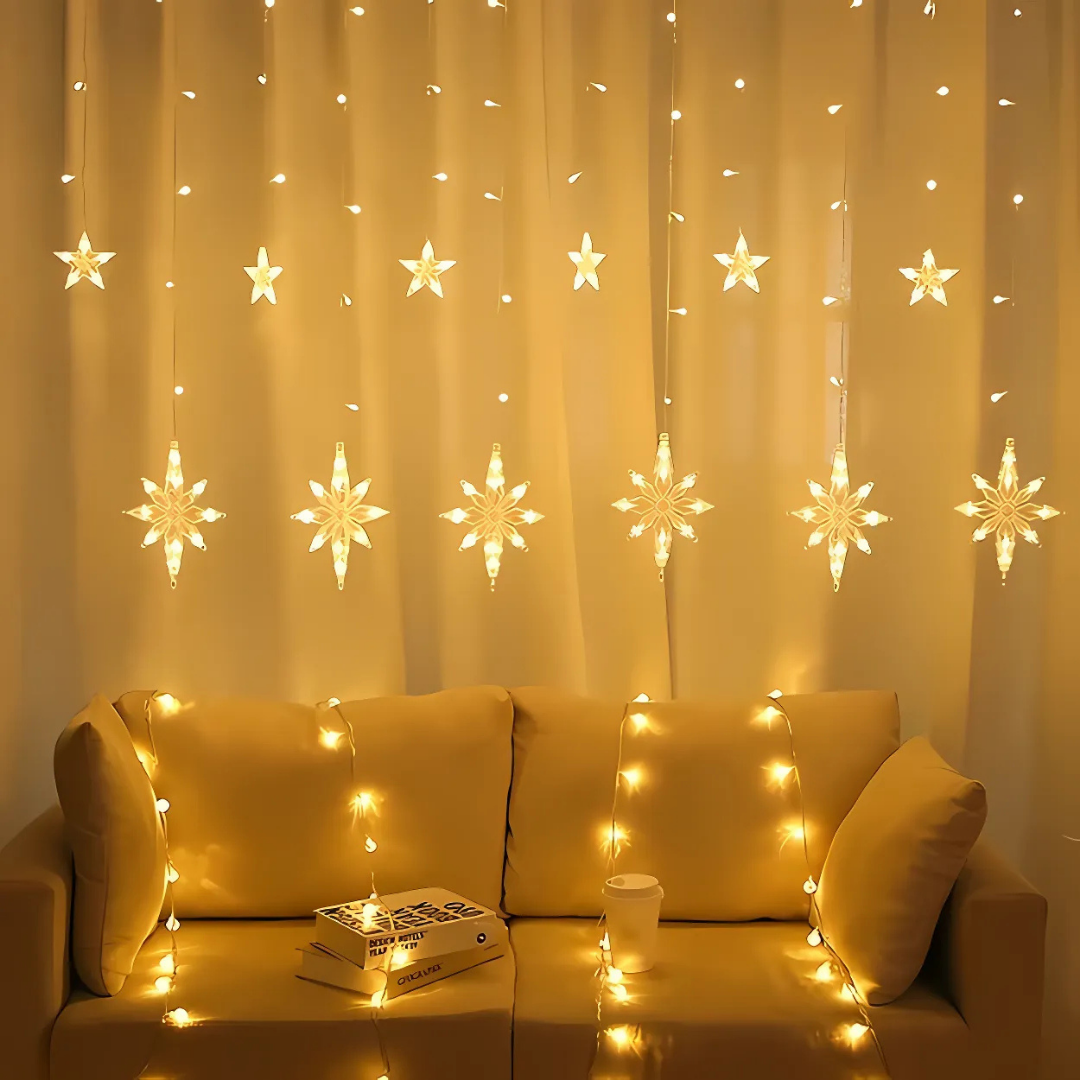
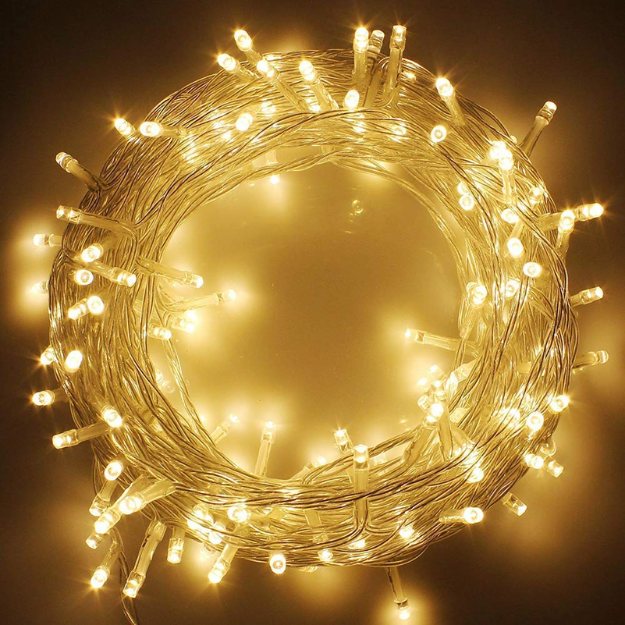
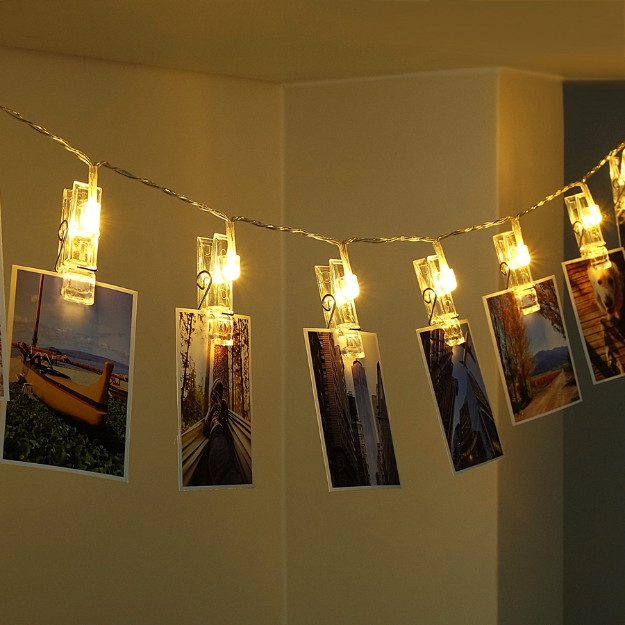
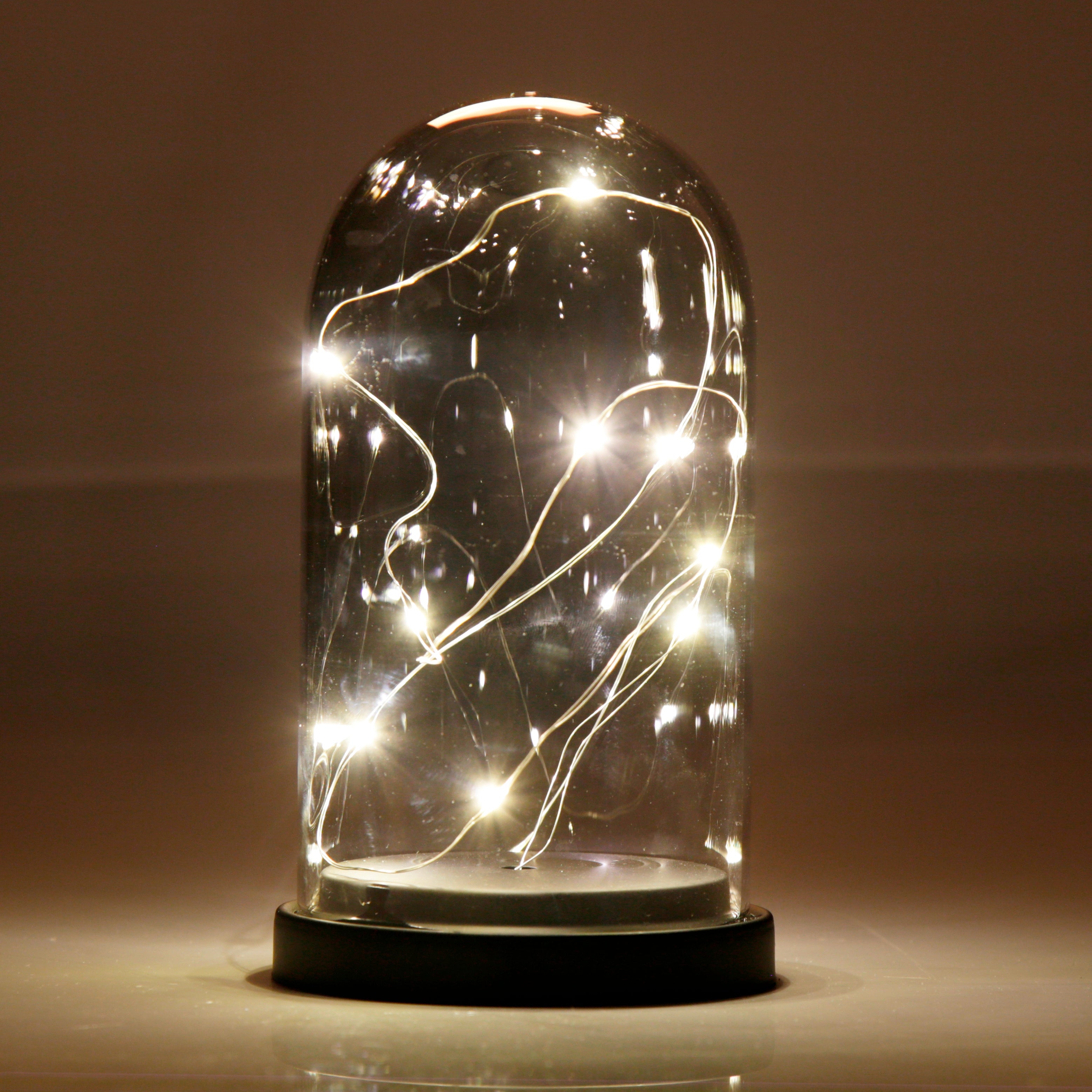
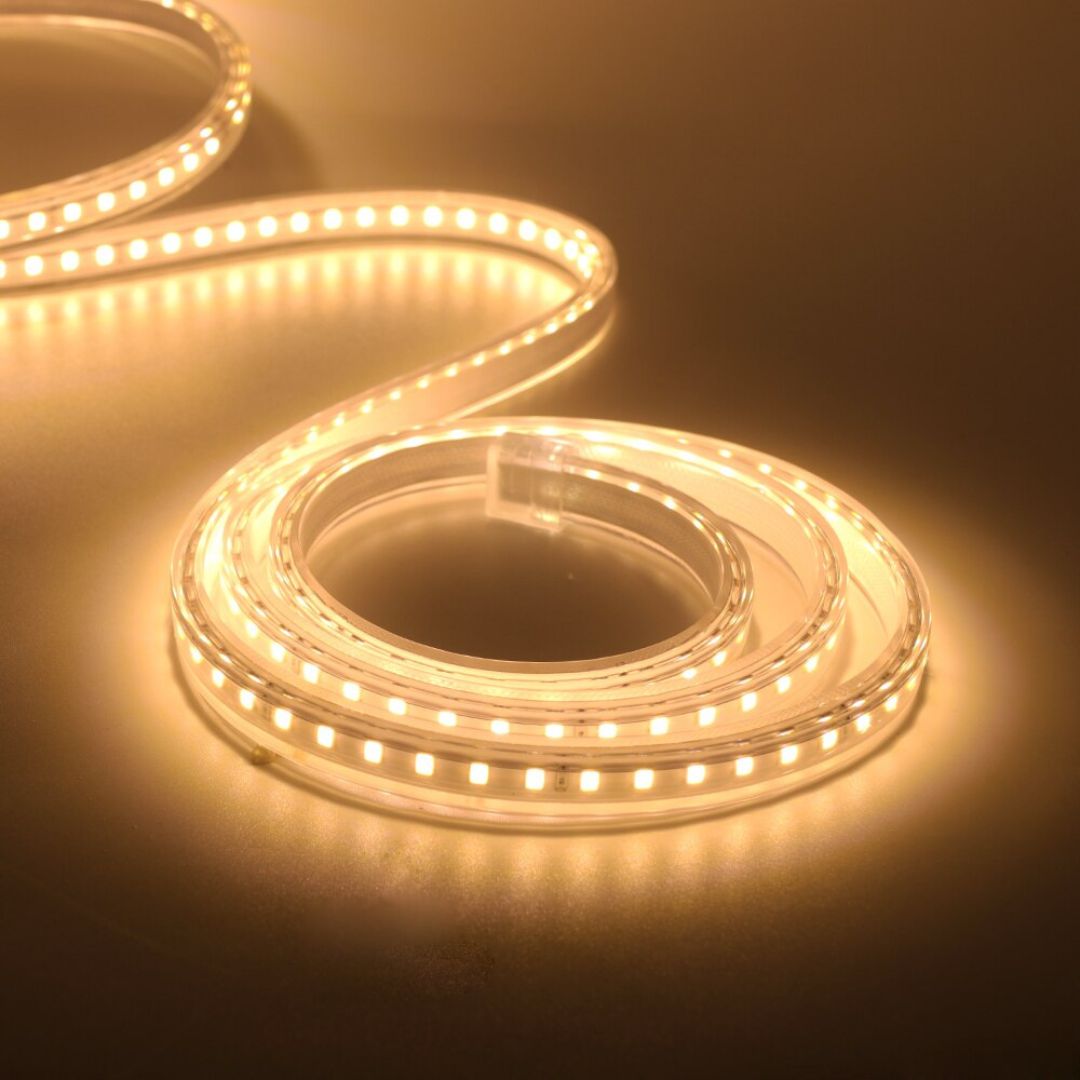
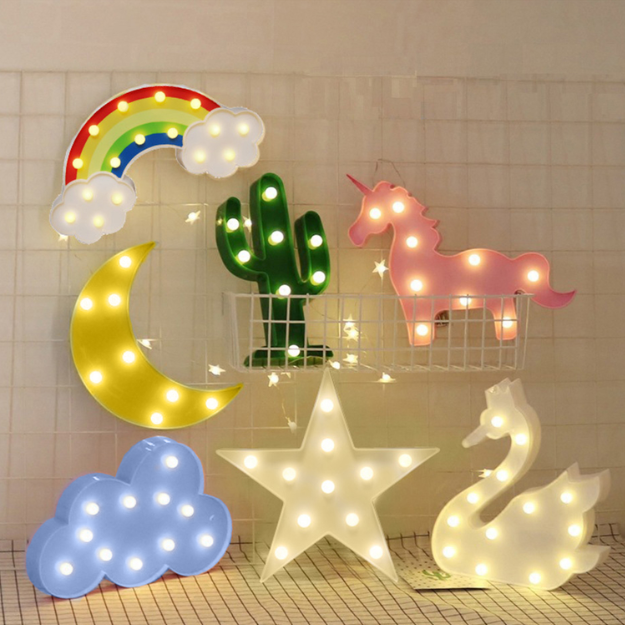
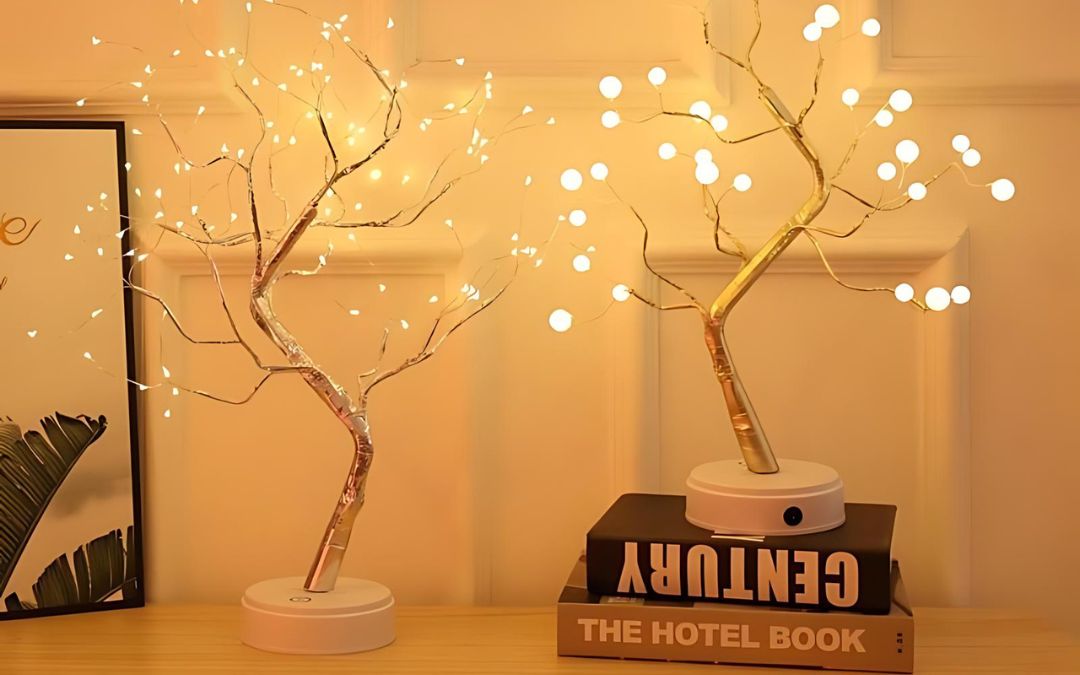
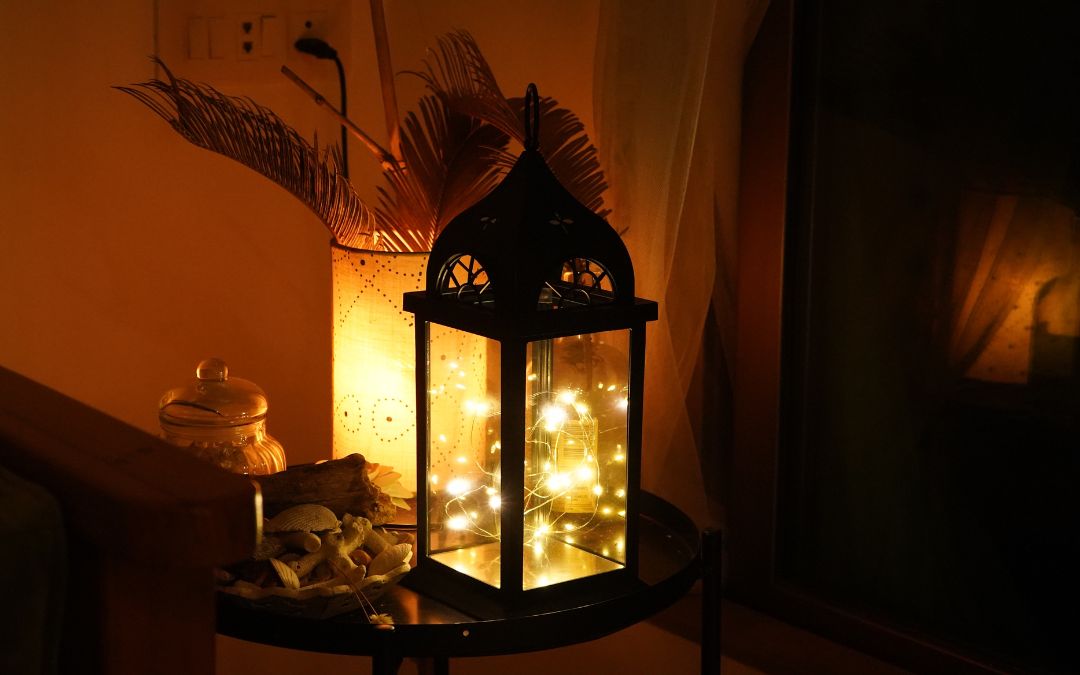
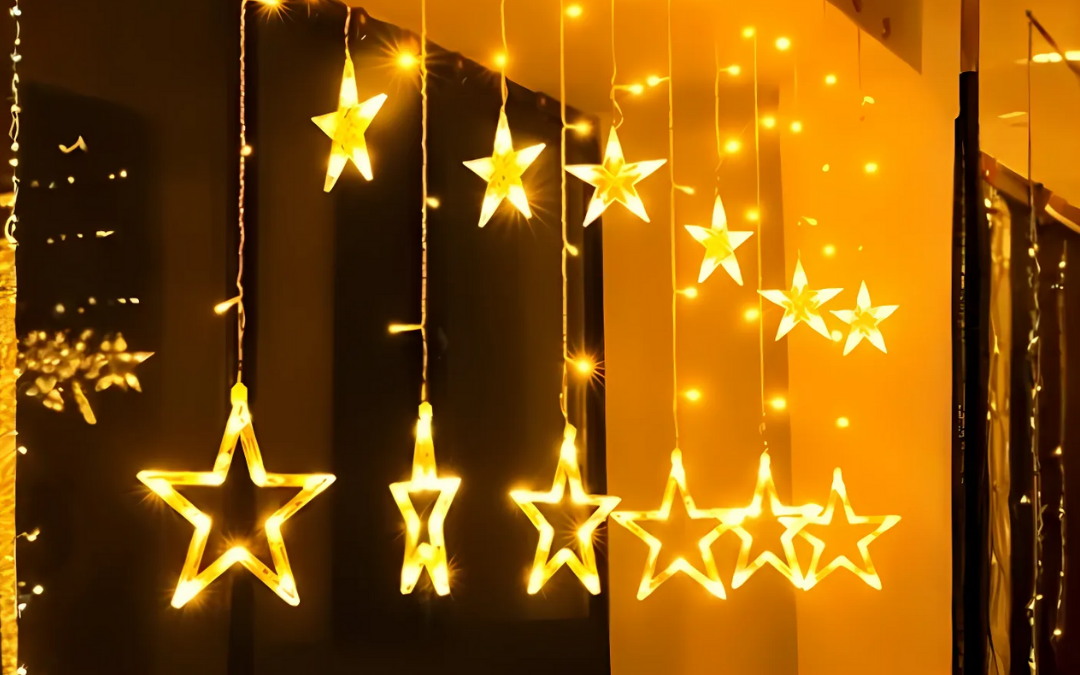
- Warm White Star Lights (₹399) → Bokeh circles are perfect
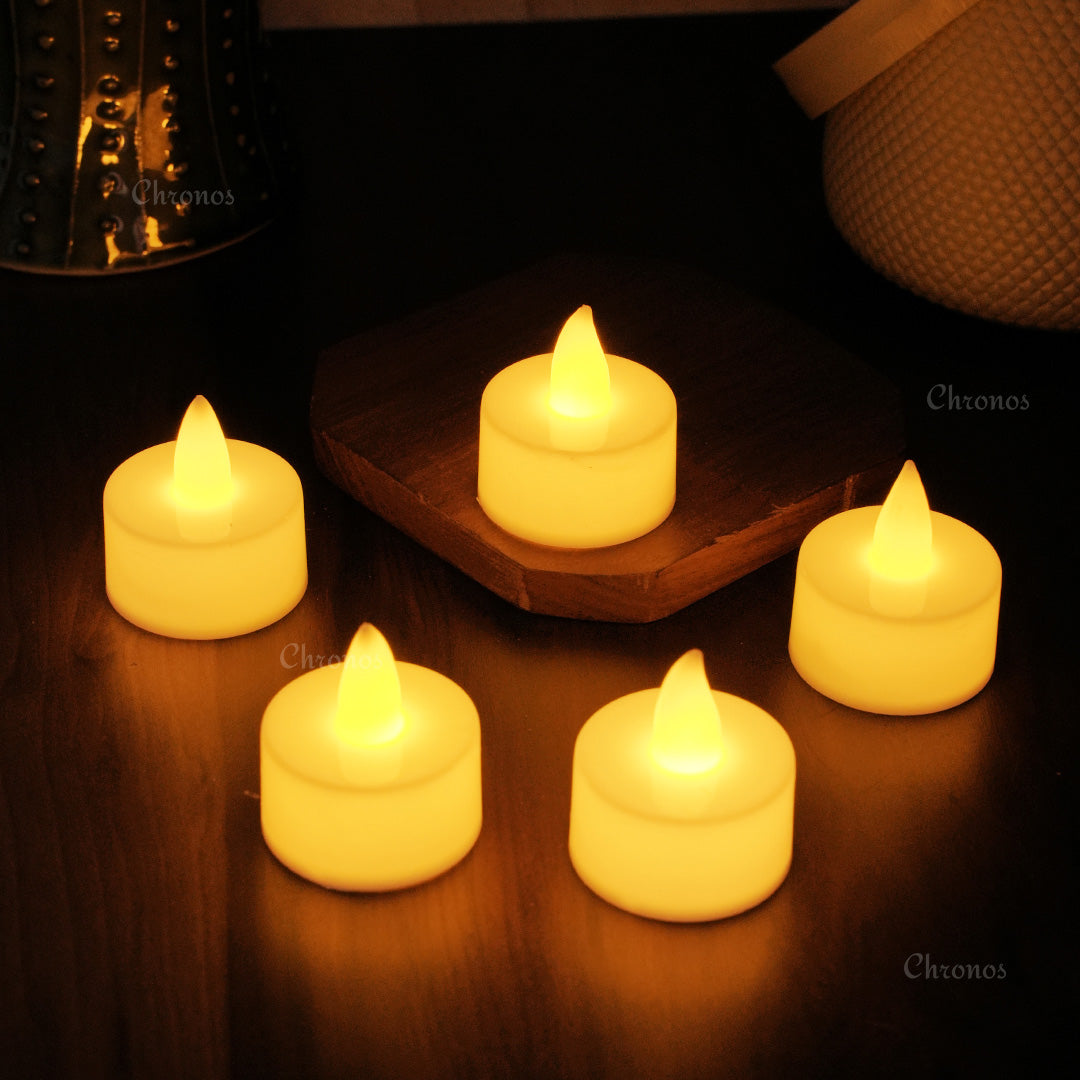
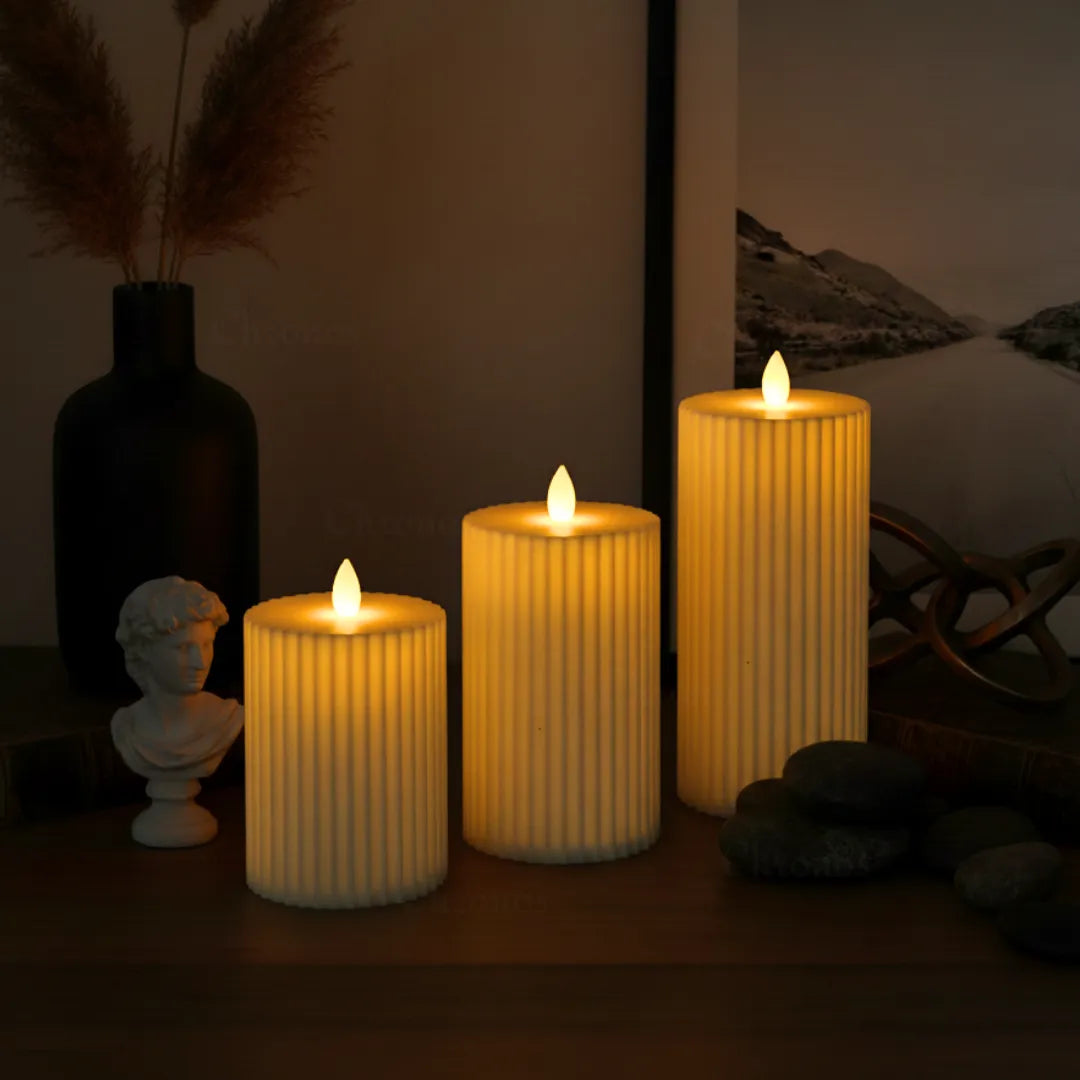
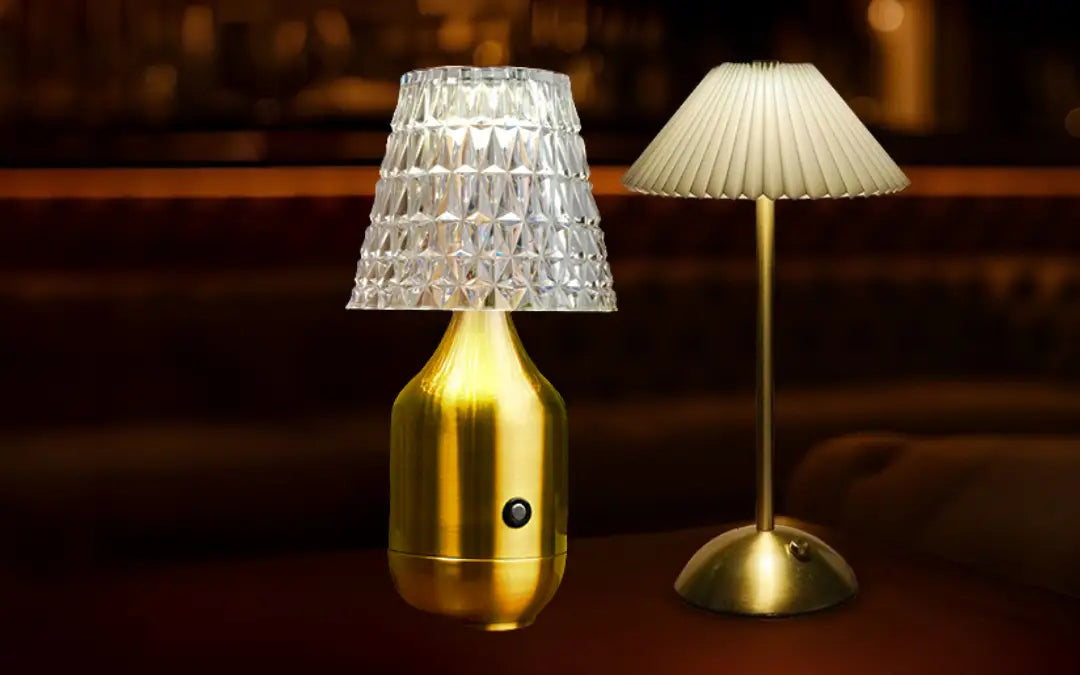
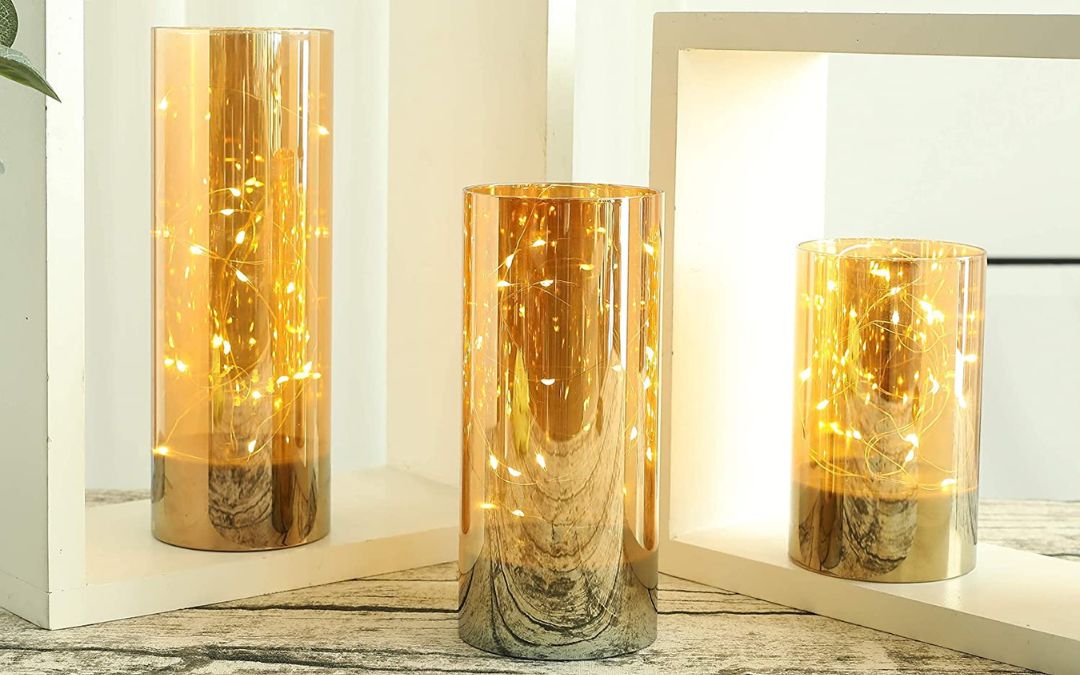
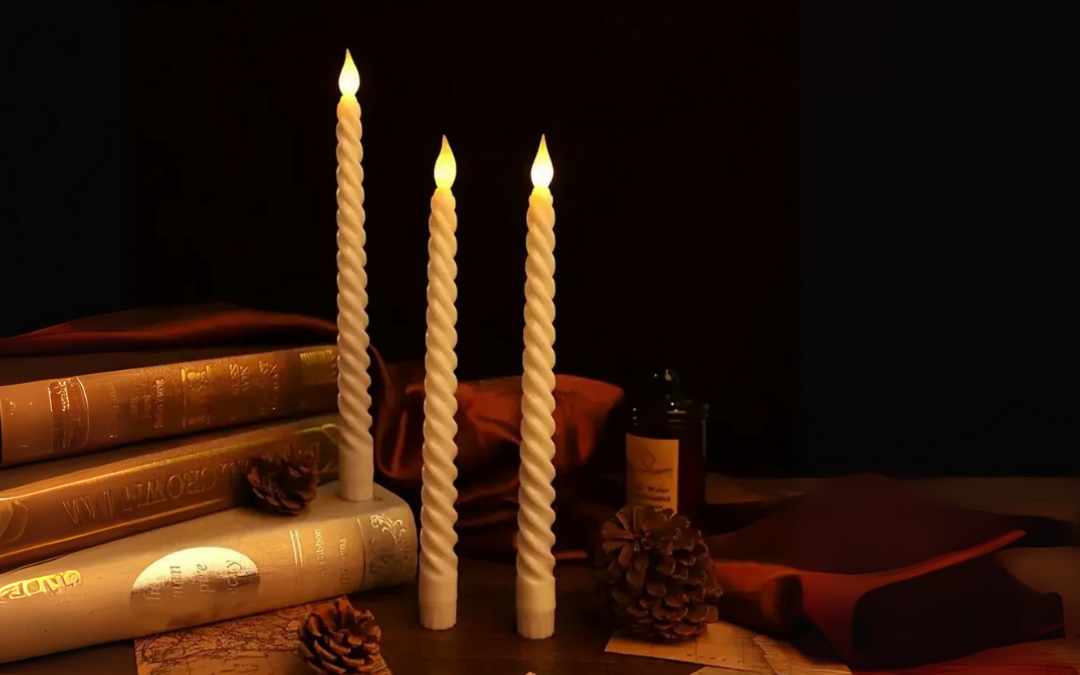
- Golden Glass Candles (₹1,499) → Warm glow photographs beautifully
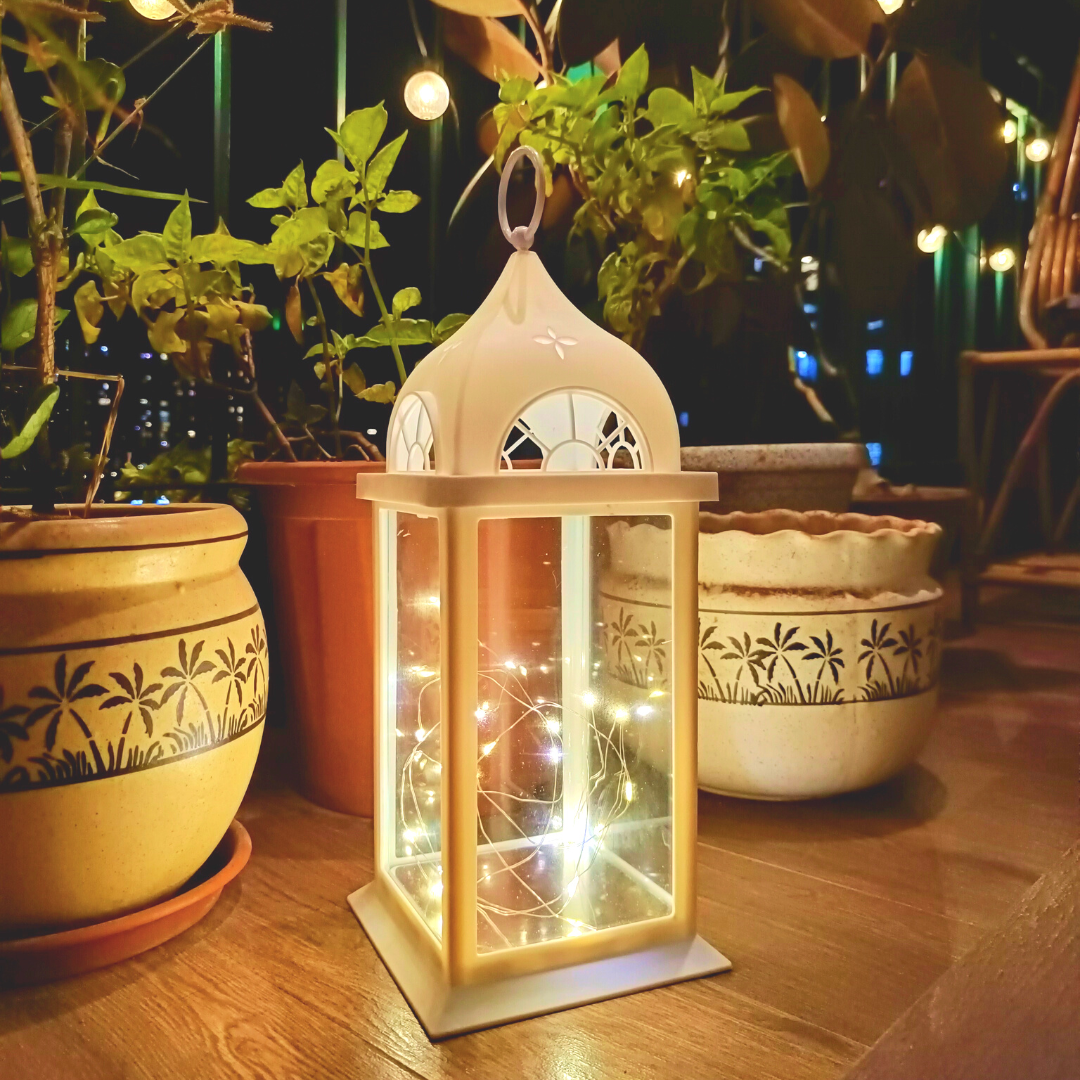
- Curtain Lights (₹799) → Creates depth in photos
The Winning Shot
Setup:
- Warm white lights as background
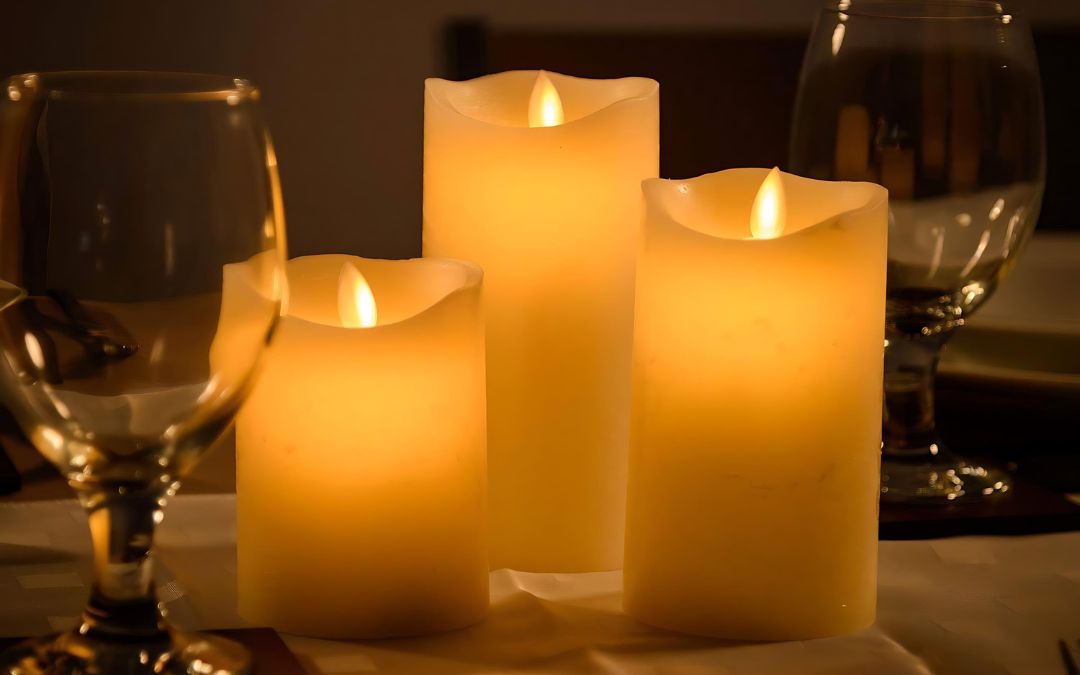
- One or two pillar candles in foreground
- Phone at slight angle (not straight-on)
- Golden hour timing
Result: Photo that looks professional + Instagram-worthy
Shop Instagram-Friendly Lights — 90,000+ customers sharing their Diwali photos